Toyota Insurance Protect
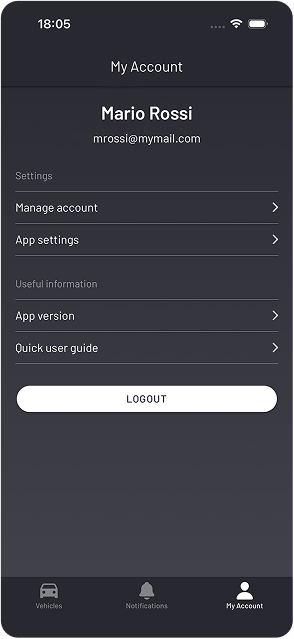
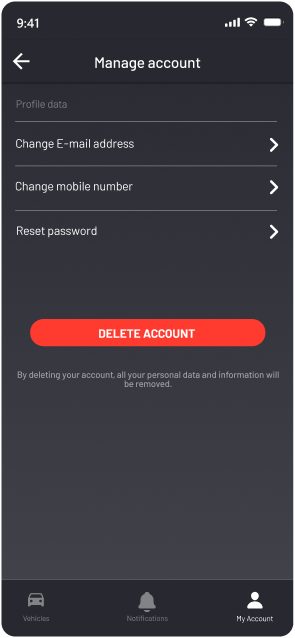
You can permanently delete your Toyota Insurance Protect account and all associated data directly from the app in three simple steps.
Then tap “Delete account”.
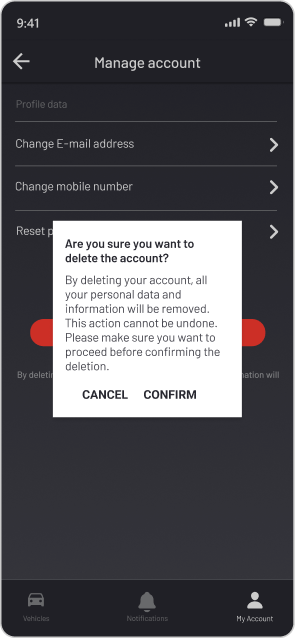
Review what will be removed and tap “Confirm” to permanently delete your account.
Deleting your account removes your profile, vehicle links, and notification history. This cannot be undone.
Fill in the form below and our team will process your account deletion request.